ManuFoxLoading

Mass Balance

Review current stock, movement chains, recipe consumption and production variances

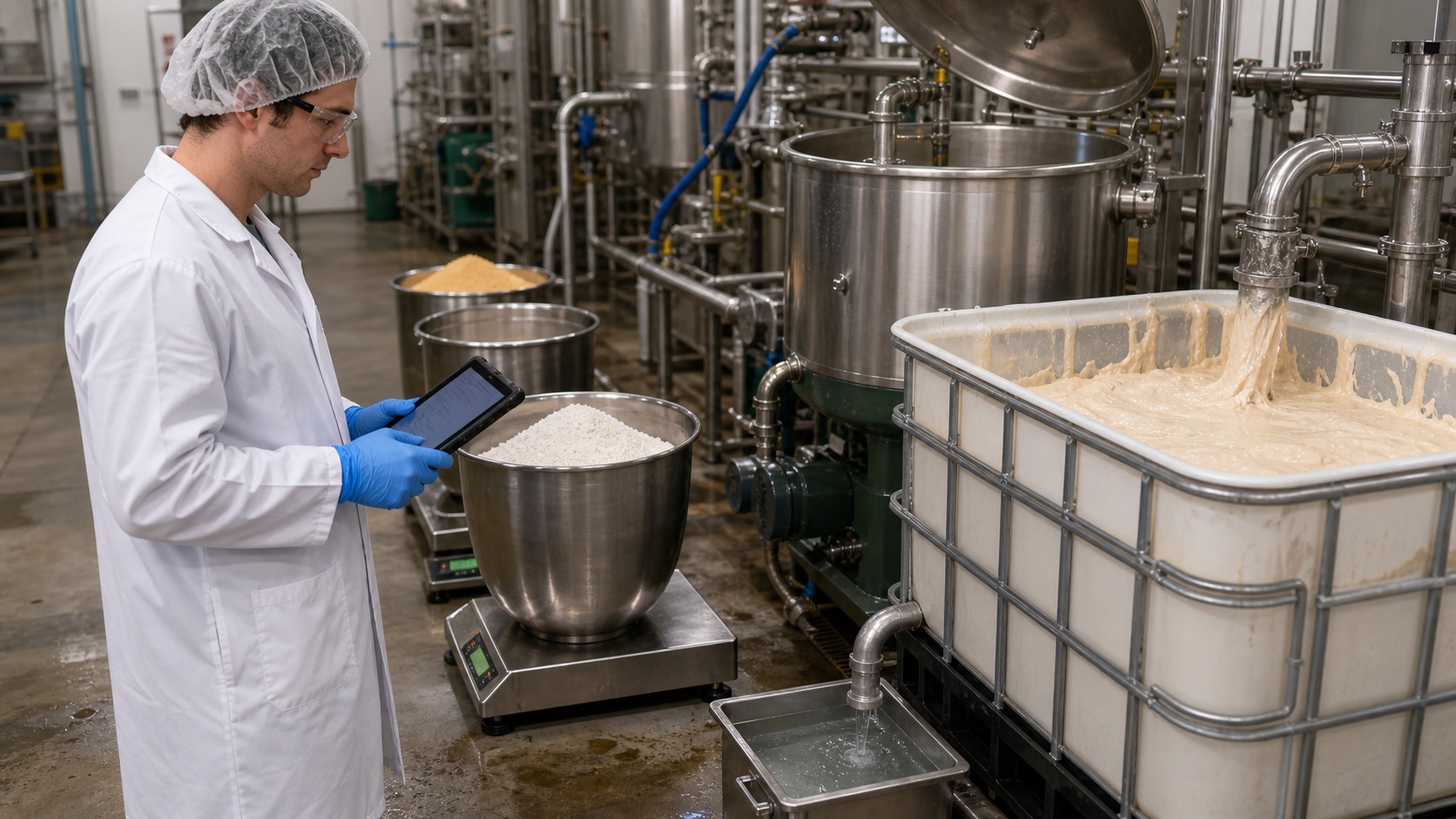
Production worker checking weighed material and tablet records beside stainless processing equipment
Representative production image; not an application screenshot or a customer facility photograph.

Mass-balance Logic

Compare recorded stock, consumption and output

Input and Output Comparison

On the Mass Balance page, select a material, packaging, semi-product or product group. Find a record by code or name and run the mass-balance analysis.

The result compares current stock with the expected quantity derived from stock movements. Recipe consumption and production output are compared when those records exist. Check the unit and analysis time before interpreting a difference.

Attention: Balanced means the recorded movements reconcile; it does not replace a physical count or food-safety assessment. Do not add different units without conversion.

Lot-level Breakdown

Open Details for the selected row. Review the lot, location, current and expected quantities, movement count, latest reference and movement-chain warnings together.

Trace discrepancies back to reception, production consumption, output and transfers. Baseline and No Stock statuses must not be interpreted as completed physical counts.

Audit and Variance

Analysis evidence, scope limits and warning interpretation

Analysis Results and Audit Scope

Use summary counters, status filters, charts and details to identify records that need review. Connect findings to source records using lot and reference numbers.

A dedicated mass-balance audit export is planned. The current page is not a period-based or automatically distributed audit report.

Variance Warning

Shortage and Surplus indicate differences between current and expected quantities. Recipe/Waste warnings concern consumption, output or allowed recipe waste; Movement Chain warnings concern continuity between stock movements.

Read the findings, verify source records and rerun the analysis after an authorized correction. An on-screen warning does not automatically adjust stock or send an email alert.

Related ManuFox modules

  • Mass Balance

    Compare current stock with the expected quantity calculated from the movement chain, together with recipe consumption, production output and waste variance.

Continue with these guides